


- 12th Mar '26
- Sell SaaS
- 6 minutes read
How Can I Quickly Prep Product Photos for E-Commerce Listings?
You have your products all set, your store is almost ready to go online, when it occurs to you that there is something wrong with the photos. The lighting is slightly off, the backgrounds are overloaded or everything is simply a bit too realistic. Not in a good way. My garage, which is in the shot, is unfinished, and looks unfinished, in an "unfinished, my garage" way.
Product photography preparation is among those things that seem easy to do until you start doing it. But the good news? No fancy studio or even hours of editing are required to polish and make your listings look good and attractive to clicks. By applying the appropriate strategy and using a couple of clever gadgets you can convert your product shots of raw products to e-commerce-ready photos much quicker than you might assume.
Begin with a Clean and Consistent Background
The context of your product image is doing more work than most individuals are conscious of. There is a clean and distraction-free background that makes the viewer concentrate on what you are offering, and makes your entire store appear professional and unified at the same time. The majority of large platforms, including Amazon, Etsy, Shopify, suggest or demand white or neutral background of primary listing images.
If you didn't shoot against a clean background (or even if you did and it's slightly uneven), a Background remover tool can save you enormous time.
-
They are based on AI to identify and isolate the product in an automatic manner.
-
You can drop in a clean white, grey, or even branded color within a few seconds.
-
What would have required meticulous manual effort in Photoshop now can be accomplished with one click.
-
The results are, quite astonishingly, really accurate, even when it comes to such tricky edges as hair, fur or even the most transparent products.
After getting your backgrounds all matched out through all of your product pictures, the total effect of the store image boosts exponentially even without any other action.
Nail the Basics: Crop, Straighten and Resize
You should be sure that you have the basics in place before you do any fancy editing. Keep your images trimmed with the product facing the camera in a proper manner not too tight, neither lost in a building made of empty white space. Conventional knowledge suggests that you should pad around the product with roughly 10-15 percent of leeway on all sides.
Fix any tilted images (it is not a big thing, but oblique products damage credibility), and resize your photos to fit the suggested sizes of the platform.
-
Dimensions: Square images of 1000x1000 to 2000x2000 pixels or banners are the best fit in most e-commerce sites.
-
Quality vs. Speed: When the files are larger, the zoom features have space to breathe; when small, the files load faster. It is a balance, though it tends to vary in 1500px, it will be at the sweet spot.
Here, batch processing tools come in handy. Most photo editors and web-based tools will allow you to use the same crop/resize combination over a whole bunch of pictures at once, and this can be a real time-saver when you have a big catalog to work with.
Adjust Lighting and Color Without Overthinking It
You do not have to go and become a photo editing guru and even a few snapshots can help a lot.
-
Brightness: Add a little brightness to your product in case it appears dark or shadowy.
-
Contrast: Give it a little contrast to put on a bit of depth and definition.
-
White Balance: Test the white balance - should your whites be yellow or blue a simple temperature change will set them to white.
It does not aim to make the product appear hyper-stylized, but as close to reality as possible with better lighting. Customers would like to know what they really are getting. Available color results leads to fewer returns and it also generates confidence, particularly in clothing, household items and anything where hue or finish counts.
Add Lifestyle Shots and Motion to Stand Out
There should be plain white background shots, which are necessary, however, they are not enough alone. Lifestyle pictures display the product in action, context or even dressed with complementary products give a story and enable the purchasers to visualize that they can own it too. Even an elementary flat on a rough surface or a mockup scene can accomplish much.
And going even a little further without entering the realm of proper video production, short animated videos or GIFs can demonstrate such aspects as texture, movement, or assembly in a manner that no still image can. A video to Gif converter tool makes this process simple -- record a quick clip of your product in action on your phone, convert it to a looping GIF, and you've got a subtle but effective way to make your listing pop among competitors.
Consider How Your Photos will be Applied Outside the Listing
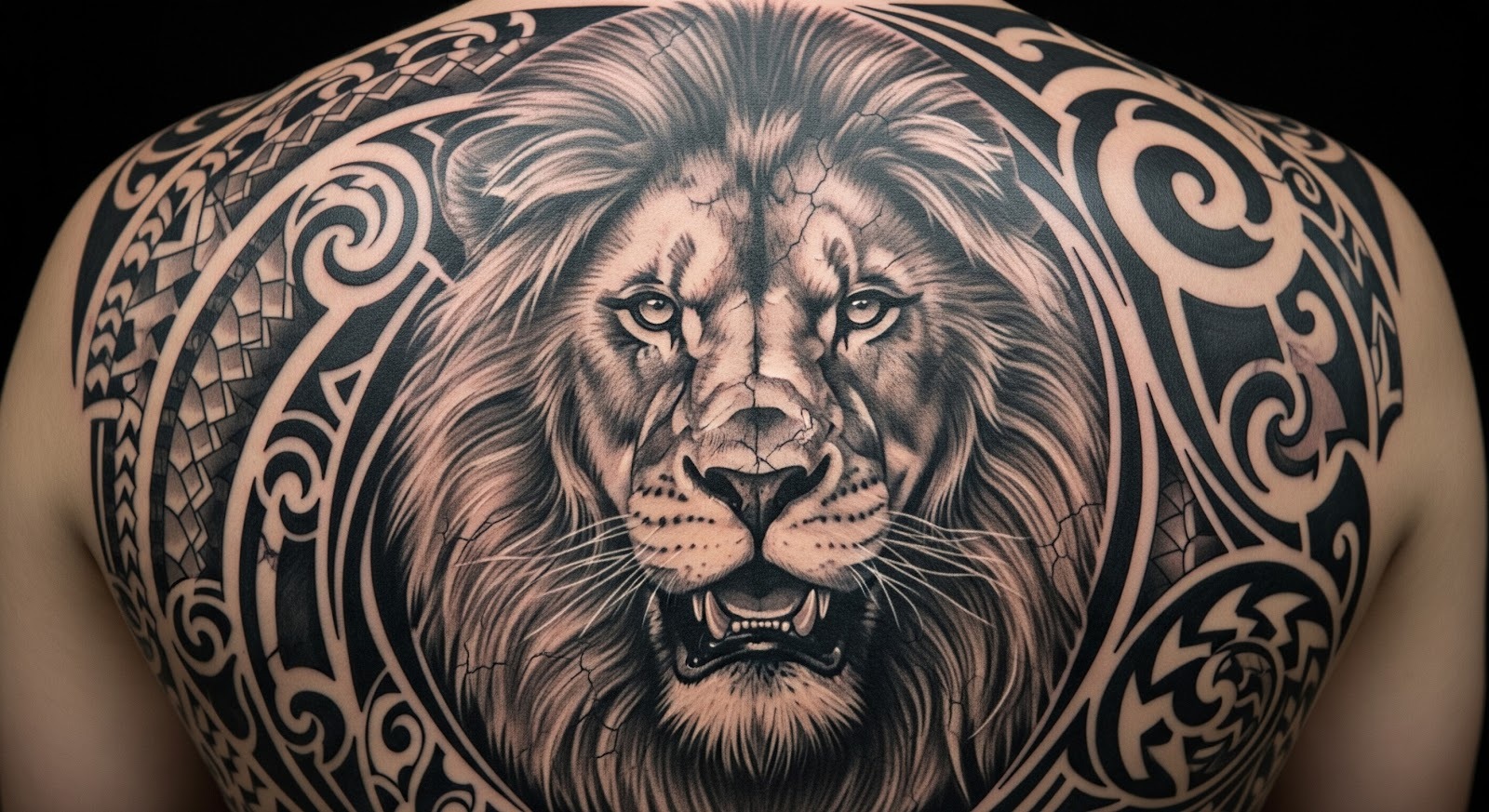
Your product photos do not just exist on your product pages. They are found in social media videos, emailing, advertisement and even in print materials. When you are preparing your pictures, it is worth considering the aspect of versatility.
An example of a creative approach: other sellers and brands are now utilizing outlines of clean products or unusual shapes as their own custom branded graphics, merchandise, or even promotional materials. There's even a niche use case where product shapes with strong visual identity have been run through an image into tattoo converter to create unique brand art or custom designs for merchandise. It is a reminder that a well prepared product image is a multipurpose tool - not a listing necessity.
Build a Simple, Repeatable Workflow
The most significant time-saving tool is not a particular application, but a regular procedure. After figuring out what will sell your product type and brand look, write it down. Make a list:
-
Shoot on X background.
-
Save to Y size.
-
Use the Z preset.
-
Delete background.
-
Add to folder.
And a basic routine like this reduces the effects of decision fatigue and maintains consistency in your images as your catalog continues to expand. Buyers observe visual consistency - it projects a professionalism and attention to detail both of which subconsciously create a purchasing confidence.
Wrapping It Up
Getting product images ready for e-commerce is a fast and easy process, but it can also be highly expensive. Begin by removing unwanted background distractions, setting the perspective right, adjusting colors depending on the nature of your product and final use, or layering in lifestyle and animated imagery to meet other points of reference, with the aim of their broader use within the marketing scheme.
The modern tools at our disposal-very fast, accessible, and soft on beginners really offending excuses further blurred products, or cluttered photographs that portray little or no variation. The investment in the process and time at the get-go will give you less headache and re-shoots in future, with nicer looking listings and more-confidence for your customers, which should likely lead to decent conversion rates.